on air · iPhone
The articles you saved, read out loud to you.
ArticleFM takes a link from Safari and hands it back as narrated audio on your iPhone. For the commute, the gym, the walk you take to stop looking at a screen.
- Free to try
- 2 articles
- Speeds
- 6
- Subscription
- Monthly
Where your backlog turns into audio.
Four screens, start to finish.
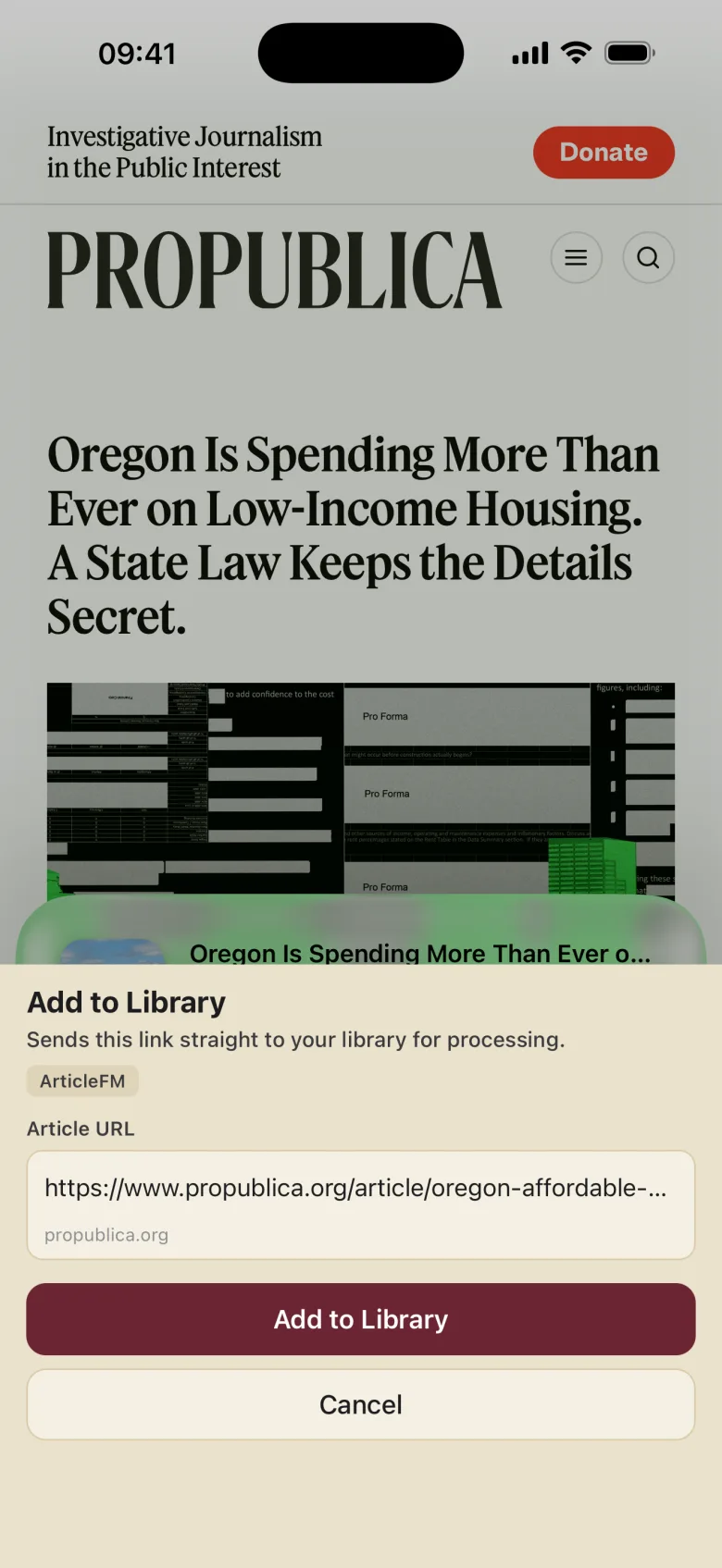
Hand it over from Safari
The share sheet you already use. Or paste a URL straight into the app.
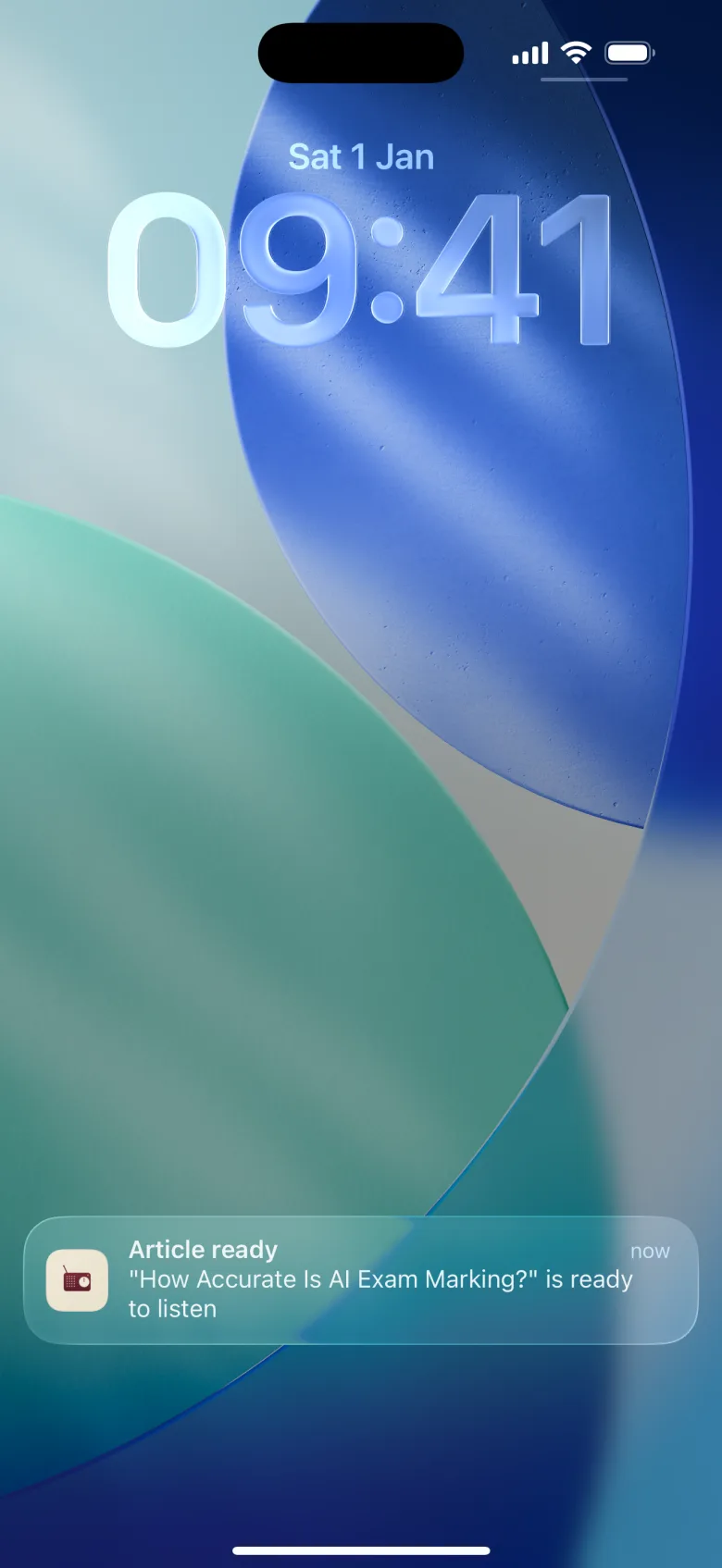
It taps you on the shoulder
Conversion happens in the background. A notification arrives the moment the narration is cut.
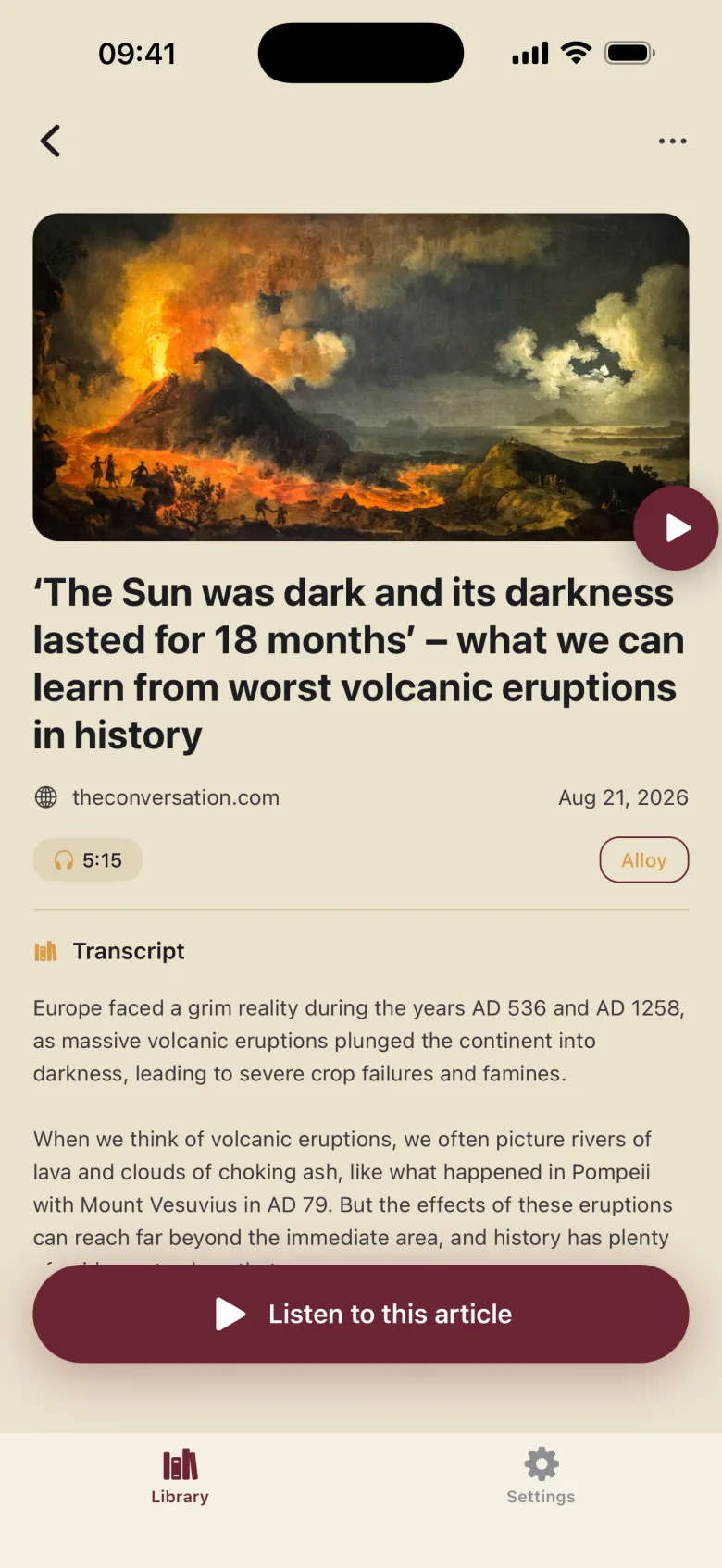
Every article gets a sleeve
Artwork, source, running time, the narrator you picked, and the whole transcript underneath.
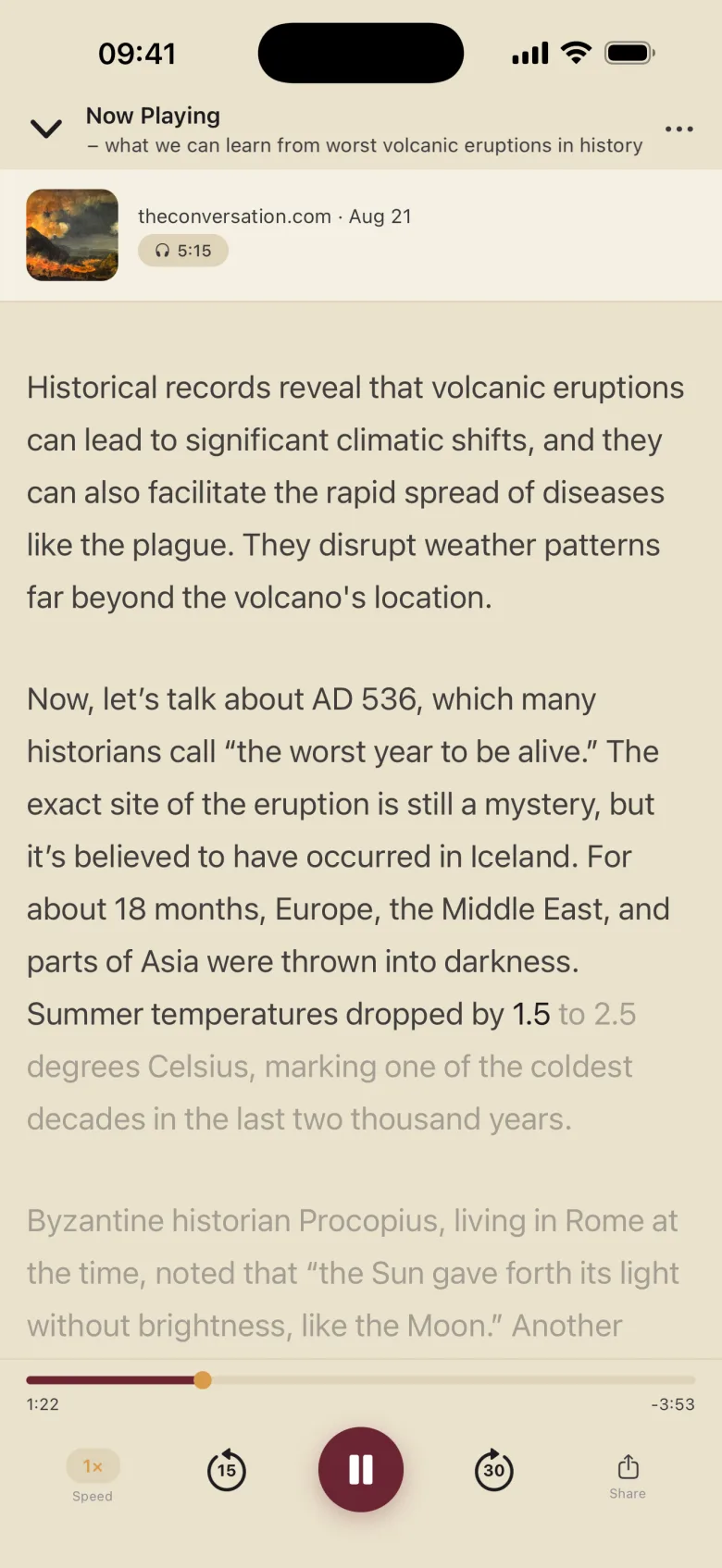
Press play, follow along
The transcript scrolls in time with the voice. Skip back when your mind wanders. It will.
Three moves, start to finish.
Give it something worth hearing
in Safari, or in the app
Any article's URL. News sites, blogs, newsletters, the 6,000-word essay you have been carrying around in a tab since March.
Choose who reads it to you
in the app
Standard and premium narrators: Alloy, Ash, Coral, Sarah, and the rest of the catalogue. Preview any of them before you commit.
Take it with you
wherever you happen to be
Stream it or save it for offline. Change the speed, skip around, and read along with the transcript when a sentence deserves a second pass.
What you actually get, on one spec sheet.
One tap from anywhere you read
The iOS share extension sends an article to ArticleFM from Safari, or any app with a share sheet. No import step, no file to wrangle, no library to set up before the app is any use to you. That is the whole idea; everything below it is detail.
Six speeds, no fuss
0.75× 1× 1.25× 1.5× 1.75× 2×. Sprint through the throat-clearing, slow down for the part that matters.
Read and listen at once
The full text sits under the player and scrolls in sync with the narration, so you never lose your place.
Everything you converted, kept
Each article is saved with its artwork and audio. Browse it, replay it, or keep it offline for the tunnel.
Try 2 articles free. Then one subscription.
The current price is shown in the app before you subscribe and published in full in the subscription terms. Territory pricing varies, so we do not quote it here.
ArticleFM Monthly
- 1 month, auto-renewing
- Unlimited article conversion, subject to a fair use policy of 100 articles a month
- Every narrator voice, standard and premium
- Cancel any time through your Apple Account
Your tabs are not going to read themselves.
ArticleFM is an iPhone app from a small studio in London. Hand it the next thing you meant to read, and get it back as something you can listen to on the way somewhere.